
Technology failures don't always come from cyber attacks. Hardware failures, accidental deletion, software corruption, natural disasters and human error can all bring a business to a standstill without the right recovery plan.
At Native Digital, we help organisations protect what matters most through modern backup, disaster recovery and business continuity solutions. Whether your data lives on-premises, in Microsoft 365 or across multiple cloud platforms, we make sure it's protected, monitored and recoverable when you need it most.
Backups are only valuable if they can be restored. That's why we focus on reliable recovery, regular testing and practical continuity planning that keeps your business moving when the unexpected happens.

Plan Before Disaster Strikes
Business continuity starts long before something goes wrong. Understanding what systems are critical, how quickly they need to be restored and how much data your organisation can afford to lose forms the foundation of an effective recovery strategy.
We work with you to identify critical workloads, establish realistic recovery objectives and design backup solutions that match the way your organisation operates.
Whether you're protecting Microsoft 365, physical servers, virtual infrastructure or cloud services, we help build a recovery plan that's practical, reliable and aligned with your business.
Because the best disaster recovery plan is the one that's already in place before you ever need it.
Protect Your Critical Data
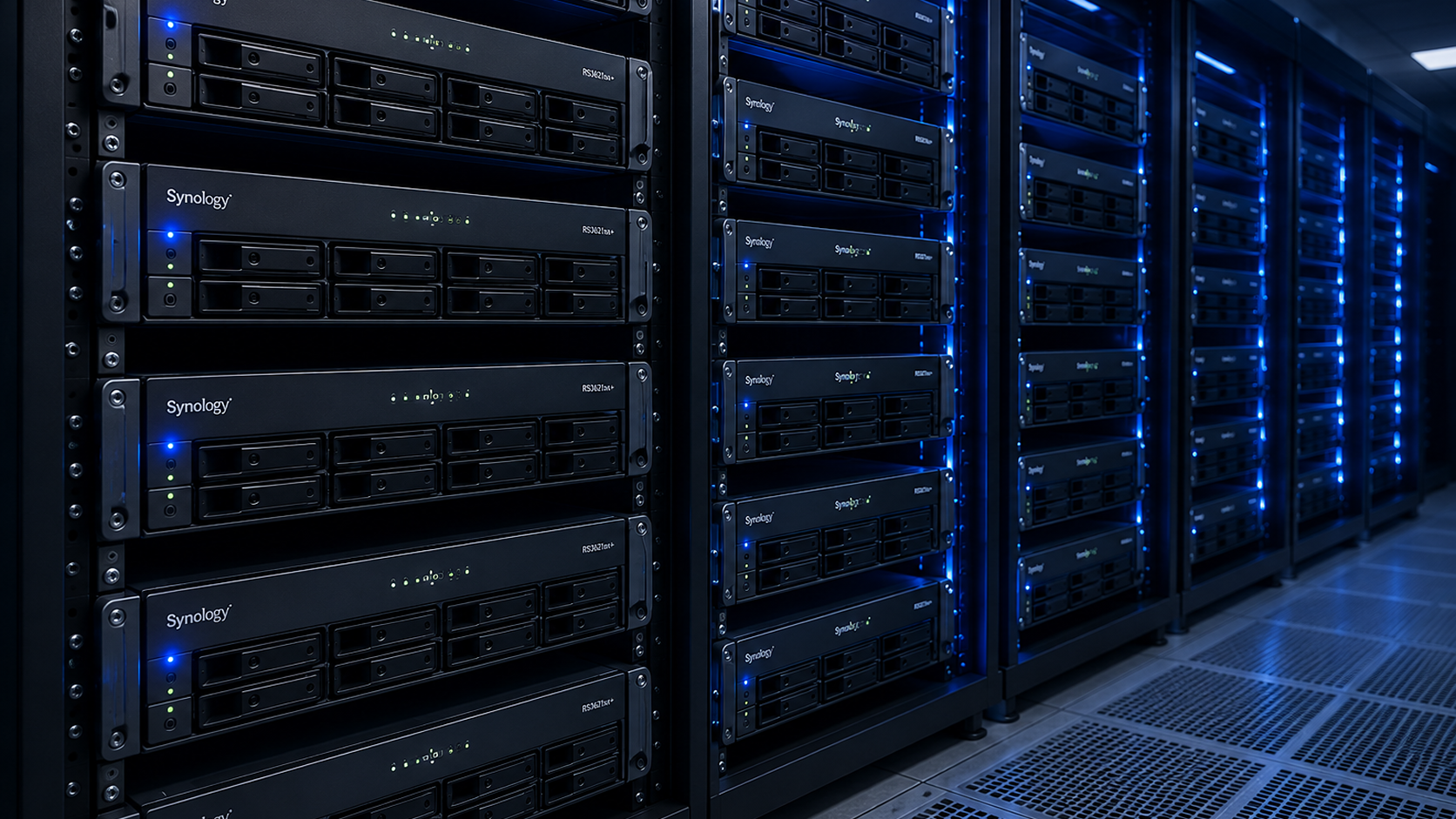
Your business data exists in more places than ever before. Microsoft 365, servers, desktops, cloud platforms and SaaS applications all contain information your organisation depends on every day.
We implement layered backup solutions that protect these environments automatically, ensuring important information is securely copied, encrypted and retained according to your business requirements.
From accidental file deletion through to ransomware events, having multiple protected recovery points gives your organisation confidence that valuable information can always be restored.
Good backups aren't simply copies of data. They're an insurance policy for your business.
Monitor & Verify Every Backup
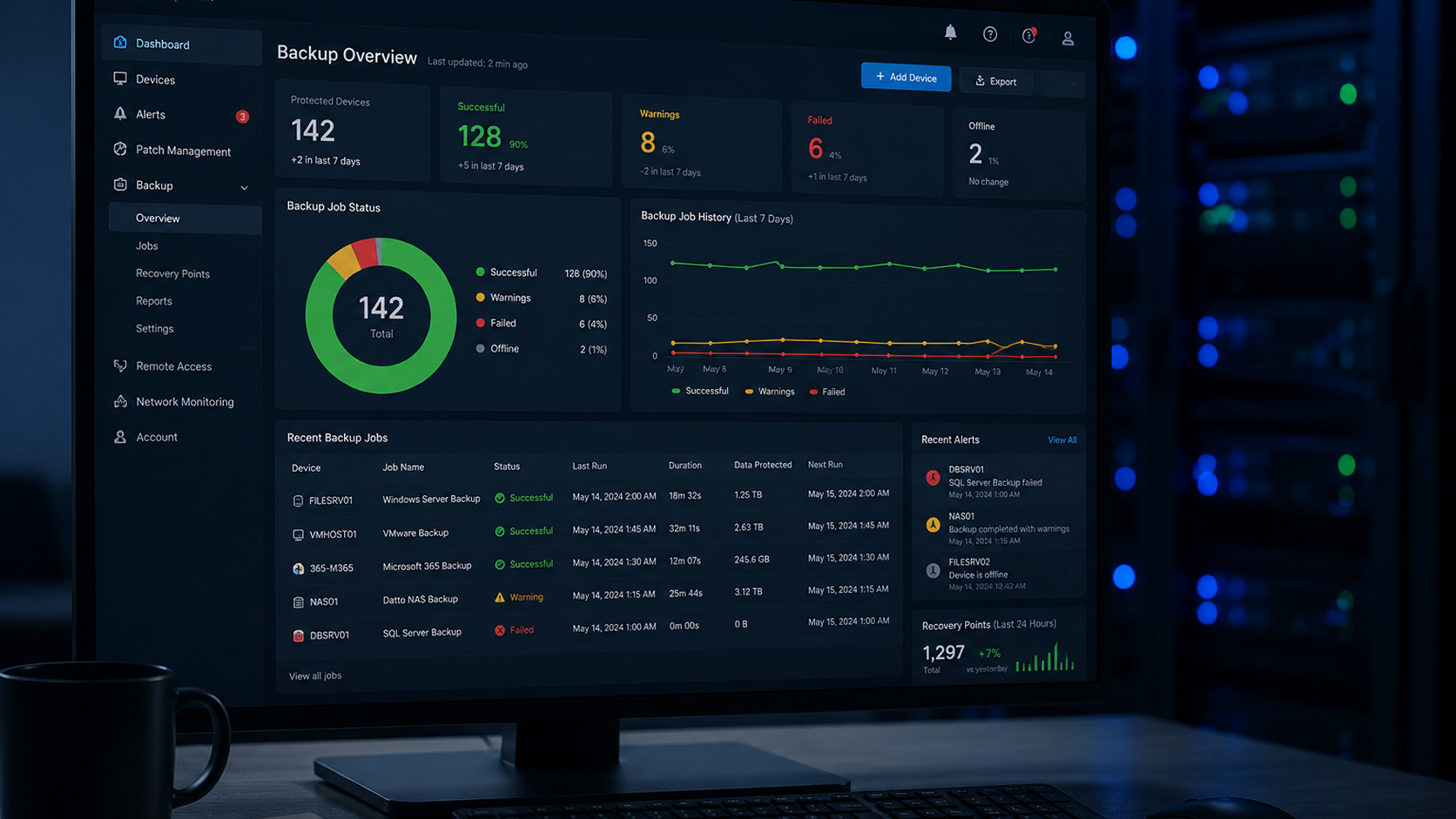
A backup that silently fails offers little protection when disaster strikes. That's why ongoing monitoring is just as important as the backup itself.
We continuously monitor backup jobs, investigate failures, verify successful completion and help ensure your recovery points remain healthy and available.
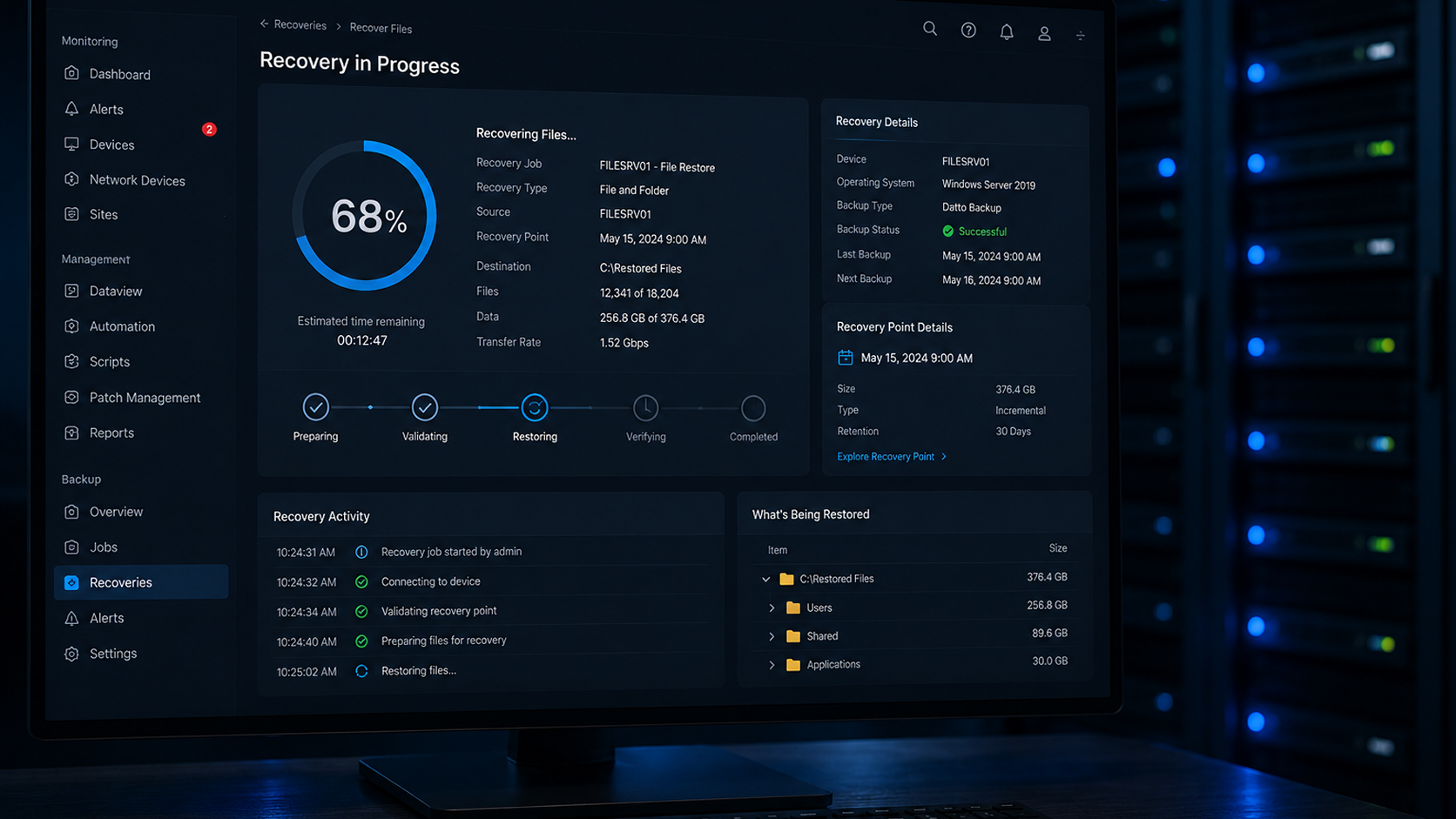
Where appropriate, we also perform recovery testing to confirm your data can actually be restored. This provides confidence that your backup strategy will perform when it's needed most.
Our goal is simple. No surprises when recovery day arrives.
Recover Quickly & Keep Working
When systems fail, every minute of downtime affects productivity, customer service and revenue. Fast, reliable recovery helps minimise disruption and gets your organisation back to business sooner.
Whether you're restoring a single file, recovering Microsoft 365 data, rebuilding an entire server or responding to a ransomware incident, we provide guidance and support throughout the recovery process.
Business continuity isn't just about restoring technology. It's about helping your people continue working with confidence, even during unexpected events.
Because the real value of backups isn't having them. It's knowing your business can recover.
What's Included
Our backup and disaster recovery services are designed to protect your critical information, minimise downtime and help your organisation recover with confidence.
Microsoft 365 Backup
Protect Exchange, OneDrive, SharePoint and Teams data.
Server Backup
Reliable protection for physical and virtual servers.
Cloud Backup
Protect workloads across public and private cloud platforms.
Disaster Recovery
Rapid recovery options that minimise business disruption.
Backup Monitoring
Continuous monitoring to ensure backups complete successfully.
Recovery Testing
Verify backups can be restored when you need them.
Business Continuity
Reduce downtime with practical recovery planning.
Long-Term Retention
Secure archival storage for compliance and peace of mind.
More Ways We Can Help
Protecting your data is just one part of building a resilient technology environment. These services help keep your business secure, connected and supported every day.
Keep Your Technology Running Smoothly
- Unlimited helpdesk support
- Device monitoring and maintenance
- Patch management and updates
- Microsoft 365 administration
- User onboarding and offboarding
- Backup monitoring and management
- Hardware lifecycle management
- Strategic technology advice
Strengthen Your Defences
- Endpoint protection
- Threat detection and monitoring
- Microsoft 365 security
- Identity and access protection
- Password management
- User awareness training
- Security reviews and audits
- Vulnerability management
Stay Connected When It Matters Most
- Business fibre connections
- Wireless backup internet
- SD-WAN solutions
- Managed firewalls
- Secure VPN access
- Network monitoring
- Automatic internet failover
- Performance optimisation