
Buying technology for your business should be simple, but choosing the right equipment can quickly become confusing, time-consuming and expensive if the wrong decisions are made.
At Native Digital, we help New Zealand businesses source the right technology for their people, systems and budget. From laptops and desktops through to monitors, docking stations, networking equipment, Microsoft licensing and meeting room technology, we help make procurement easier to manage.
We do more than supply hardware. We help assess requirements, recommend suitable options, prepare devices for use and support the technology after it arrives.
The result is a smoother procurement process, better purchasing decisions and equipment that is ready for business, not still sitting in a box waiting for someone to tame the cable hydra.

Choosing The Right Technology
Good procurement starts with understanding what your business actually needs.
We help assess your requirements, budget, users, workloads, software, security needs and future plans before recommending equipment or services.
This helps avoid common purchasing issues such as underpowered laptops, incompatible docking stations, poor warranty coverage, unsuitable networking hardware or devices that are difficult to manage and support.
Our advice is practical and business-focused, helping you choose technology that fits the job instead of chasing whatever happens to be on special that week.
Sourcing Business-Ready Equipment
Business technology needs to be reliable, supportable and suitable for the way your team works.
We can help source laptops, desktops, monitors, docking stations, printers, servers, networking equipment, meeting room technology and other business IT hardware.
Rather than leaving staff to buy random devices from different retailers, we help standardise equipment where appropriate, making support, warranty claims, deployment and future replacement much easier.
By working with trusted suppliers and business-grade equipment, we help reduce the risk of poor performance, short lifecycles and awkward support issues later.

Preparing Devices For Your Team
New technology should arrive ready for work, not create extra work.
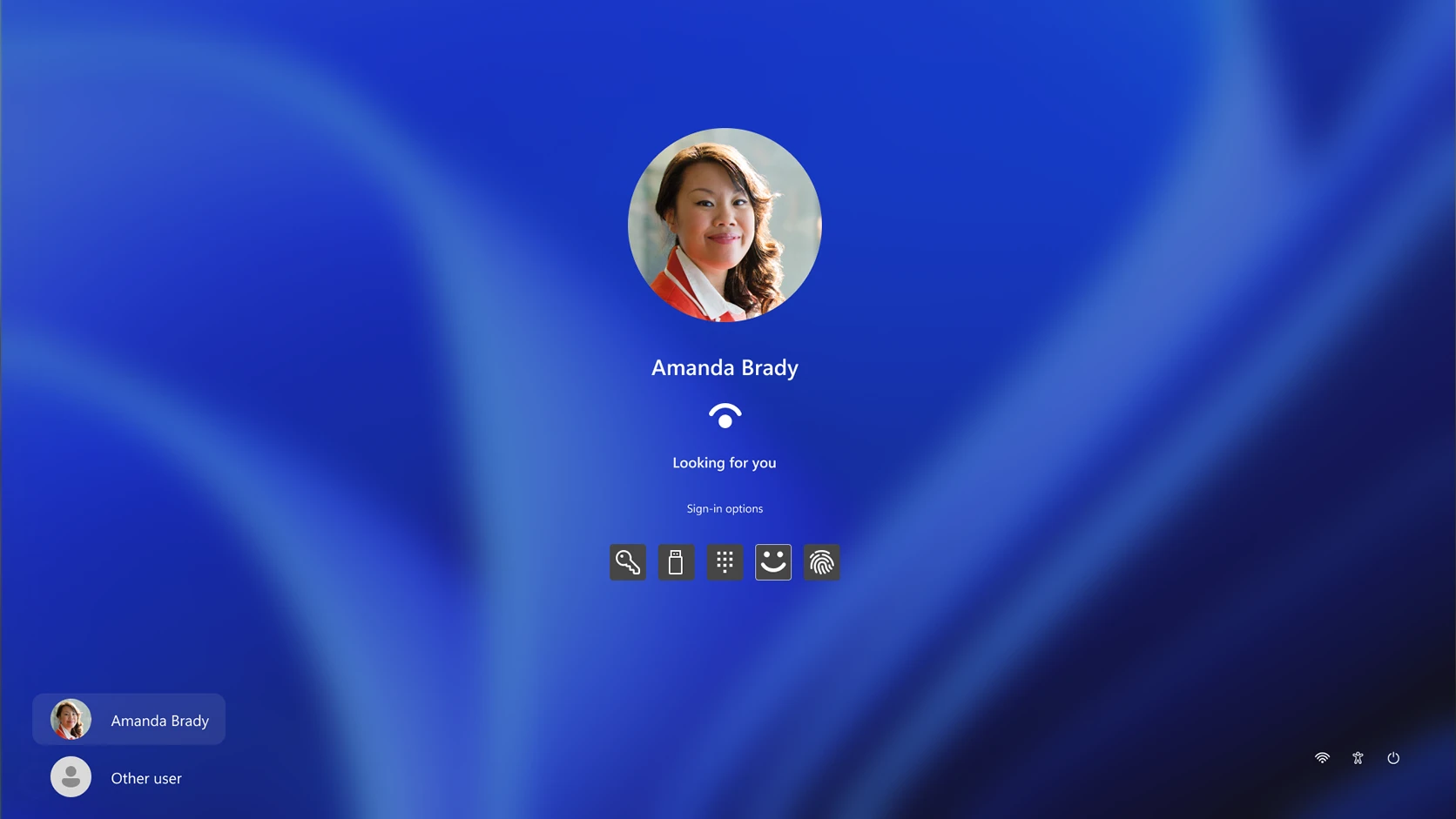
We can assist with device setup, Microsoft 365 configuration, user profiles, security software, updates, standard applications, endpoint protection and handover preparation.
For larger rollouts, we help plan the deployment process so staff receive consistent devices, configured correctly and aligned with your organisation's security and support standards.
This is where procurement becomes more than just purchasing. It becomes a complete technology onboarding process that helps your team get productive faster.
Managing Technology Beyond The Purchase
Technology procurement does not end when the invoice is paid.
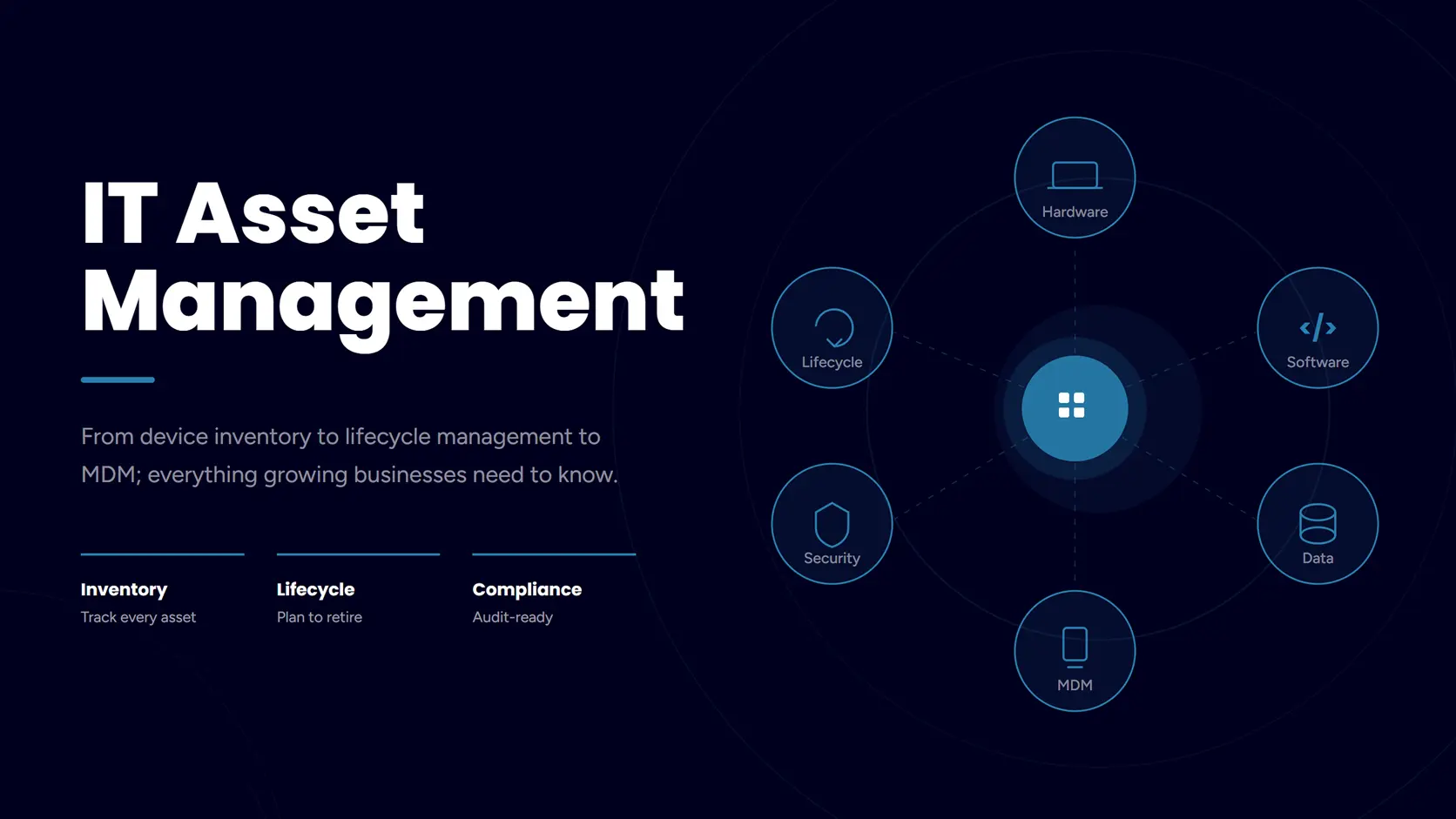
We help businesses think about the full lifecycle of their equipment, including warranties, support, replacement planning, asset records, licensing requirements and future upgrades.
This helps reduce surprise failures, unsupported devices and last-minute panic purchases when equipment reaches end of life.
With better planning, your technology becomes easier to budget for, easier to support and less likely to turn into a drawer full of mystery chargers and forgotten laptops.
What We Can Help With
Our IT procurement services help businesses choose, source, configure and support the technology their teams rely on every day.
Laptops & Desktops
- Business laptops and desktops
- Workstation recommendations
- Standard device models
- Warranty and lifecycle planning
Monitors, Docks & Peripherals
- Monitors and docking stations
- Keyboards, mice and headsets
- Printers and scanners
- Work-from-home equipment
Network Equipment
- Firewalls and routers
- Switches and access points
- WiFi hardware
- Network upgrade equipment
Software & Microsoft Licensing
- Microsoft 365 licensing
- Security software licensing
- Backup software licensing
- License reviews and renewals
Meeting Room Technology
- Displays and conferencing systems
- Teams Rooms hardware
- Microphones and speakers
- Room booking equipment
Setup & Deployment
- Device setup and configuration
- User handover preparation
- Security and software installation
- Multi-device rollout planning