
Microsoft Teams Phone
Microsoft Teams has become the hub for collaboration, meetings, messaging and file sharing. With Microsoft Teams Phone, it can also become your complete business phone system.
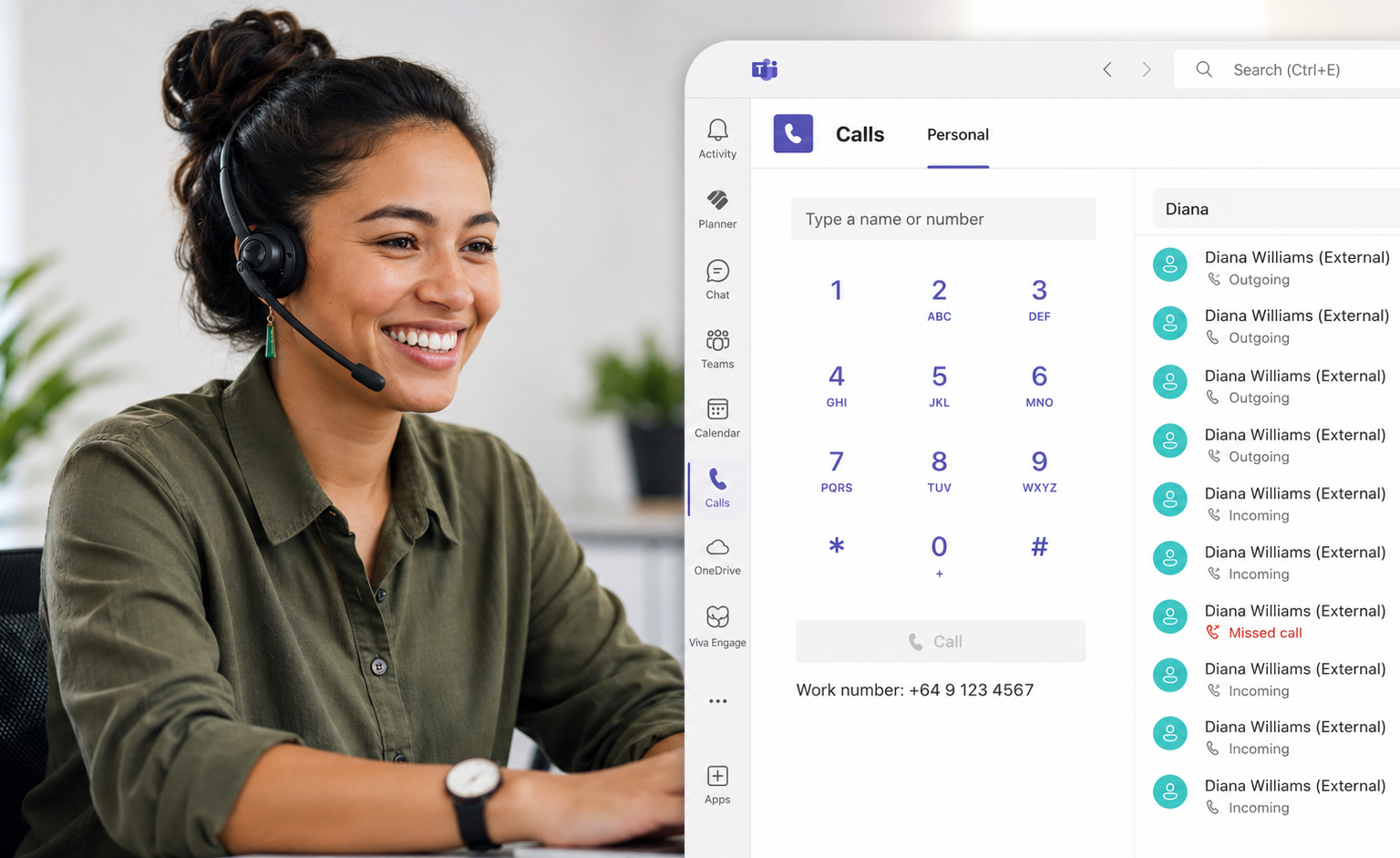
By adding calling functionality to Microsoft Teams, your staff can make and receive business calls from their computer, mobile phone, tablet or Teams-certified desk phone using the same platform they already use every day.
At Native Digital, we help businesses implement Microsoft Teams Phone solutions that combine voice, collaboration and communication into a single, easy-to-manage platform.
Whether you're replacing a traditional phone system, supporting hybrid work or modernising business communications, Teams Phone offers a flexible and scalable alternative to legacy telephony systems.

Take Your Business Phone Anywhere
Modern businesses are no longer tied to a physical office. Staff work from home, travel between sites and collaborate across multiple locations.
Microsoft Teams Phone allows users to make and receive calls from virtually any Teams-enabled device, creating a consistent communication experience wherever work happens.
Your office phone number can follow you whether you're at your desk, on a laptop at home or using the Teams mobile app on the road.
This flexibility helps businesses support hybrid work without sacrificing professionalism or accessibility.
Everything You Expect From A Modern Phone System
Teams Phone includes the business calling features organisations rely on every day.
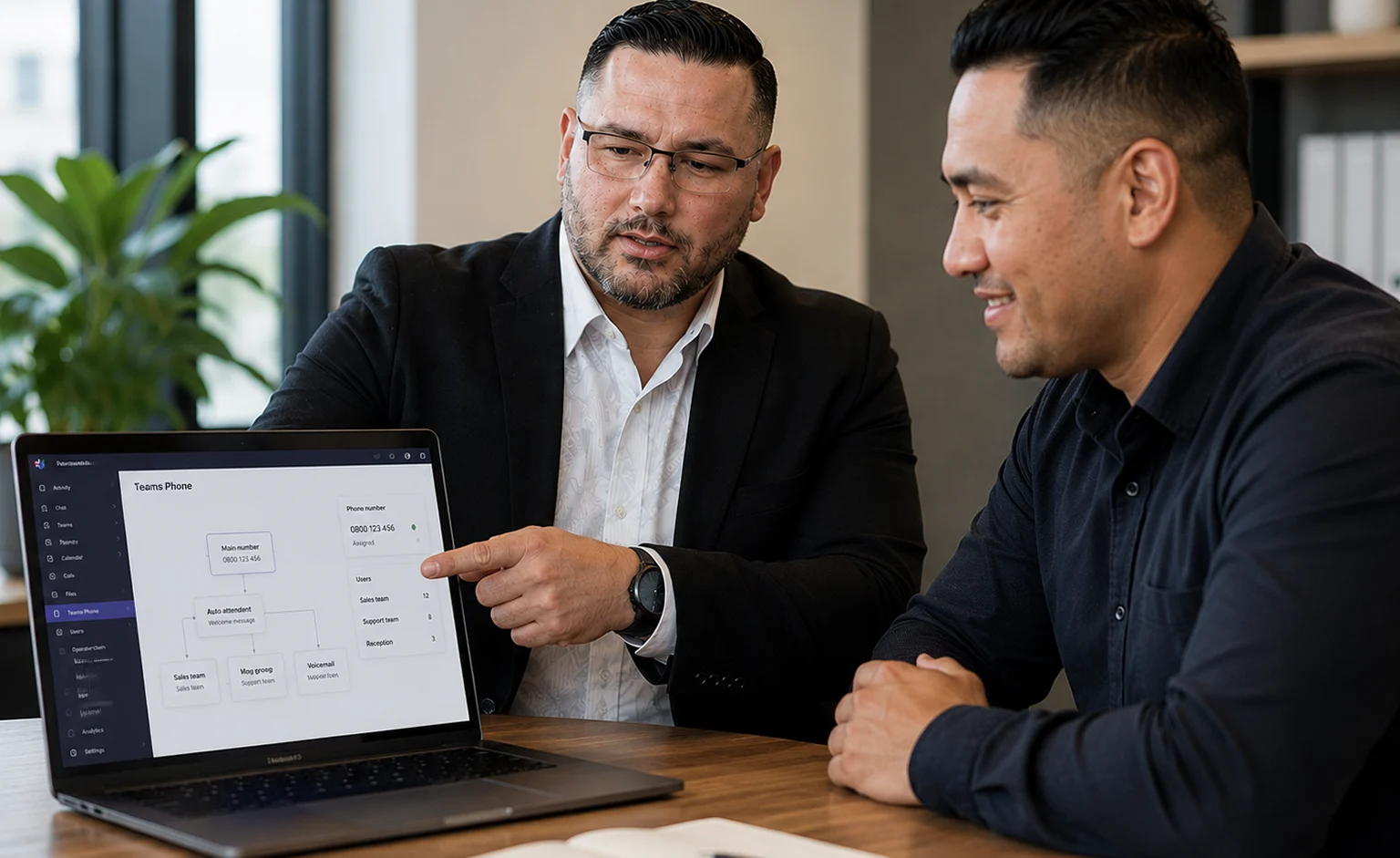
Capabilities such as auto attendants, call queues, voicemail-to-email, call routing, caller ID management, ring groups and time-based routing can all be integrated into your Teams environment.
Rather than maintaining a separate PBX system, staff can manage calls directly within Teams alongside meetings, chat and collaboration.
The result is a simpler communication platform with fewer systems to manage and support.
Keep Your Existing Phone Numbers
Moving to Teams Phone does not mean starting over.
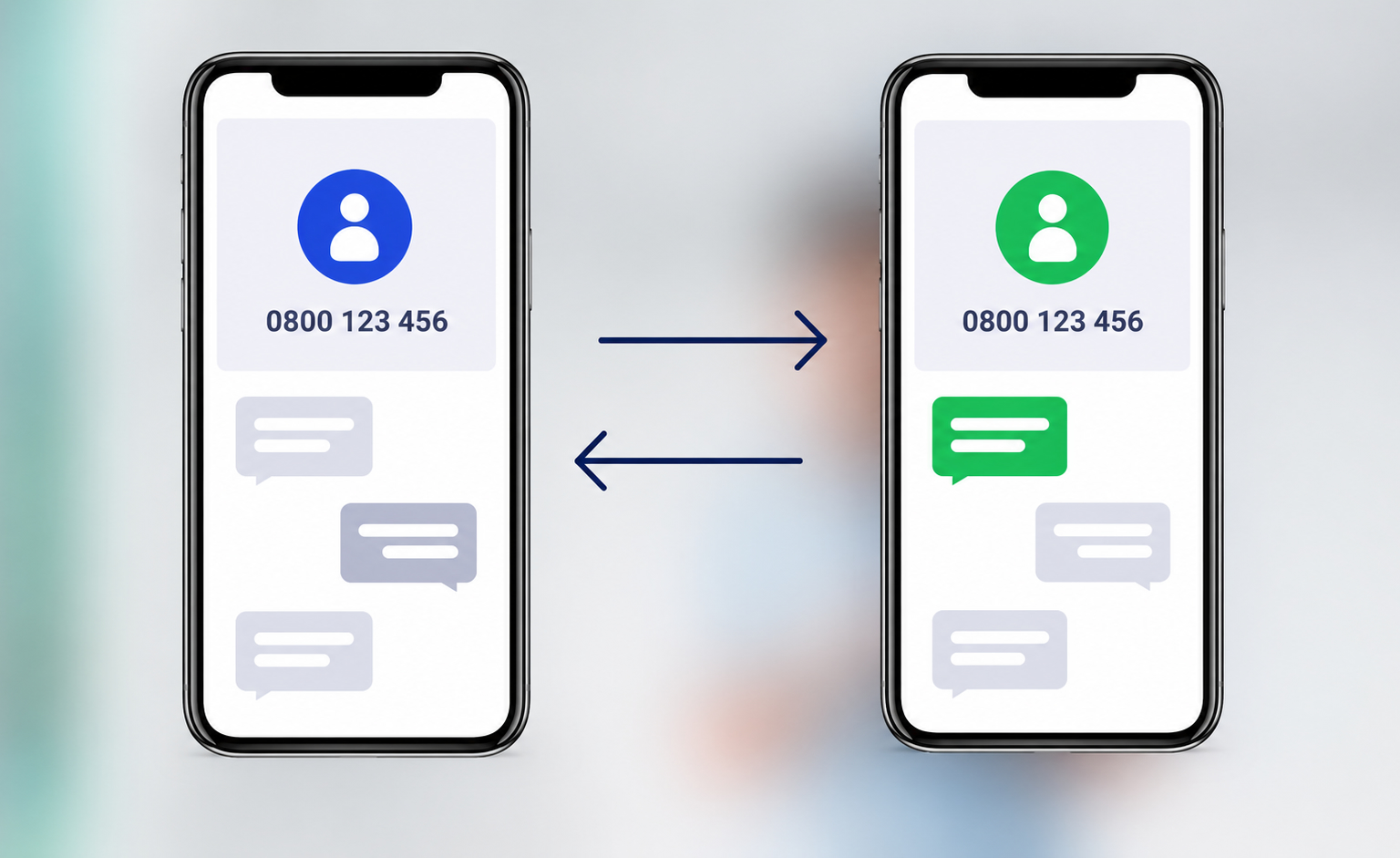
In most cases, existing business phone numbers can be ported across, helping maintain continuity for customers, suppliers and staff.
We help manage the migration process, including licensing, number porting, call flows, user setup and testing.
This allows businesses to modernise communications without disrupting day-to-day operations.
Why Work With Native Digital?
Implementing Teams Phone involves more than simply purchasing a licence. Voice, networking, Microsoft 365 licensing, user adoption, security and business continuity all play a role in a successful deployment.
At Native Digital, we help businesses assess requirements, design call flows, configure Teams Phone, manage migrations and provide ongoing support.
Because we already support many organisations across Microsoft 365, networking and cybersecurity, we can ensure your phone system integrates properly into your wider technology environment.
One platform. One support partner. One less technology headache.
What We Can Help With
Our Microsoft Teams Phone services help businesses modernise communications and replace traditional phone systems.
Teams Phone Setup
- Teams Phone deployment
- User configuration
- Licensing guidance
- Calling plan setup
Number Porting
- Port existing numbers
- New DDI allocation
- Migration planning
- Testing and cutover
Business Call Flows
- Auto attendants
- Call queues
- Ring groups
- Voicemail to email
Work Anywhere Calling
- Desktop calling
- Mobile calling
- Remote worker support
- Multi-device access
Teams Phone Administration
- User management
- Call routing updates
- Reporting and support
- Ongoing administration
Voice Modernisation
- PBX replacement planning
- Technology assessment
- Business continuity planning
- Communication strategy