
Email Signature Management
Your email signature is part of your brand. Every message your team sends is an opportunity to present your business consistently, professionally and accurately.
But when staff manage their own signatures, things can quickly become messy. Different fonts, outdated job titles, missing logos, old phone numbers, personal edits and inconsistent layouts can all weaken your brand.
At Native Digital, we help businesses centralise email signature management for Microsoft 365 using Crossware 365, keeping signatures consistent across Outlook, mobile devices and webmail.
From branding and disclaimers through to job titles, contact details and campaign banners, we help you control the signature experience from one place.
Keeping Every Email On Brand
Consistent email signatures help your business look professional across every message your team sends.
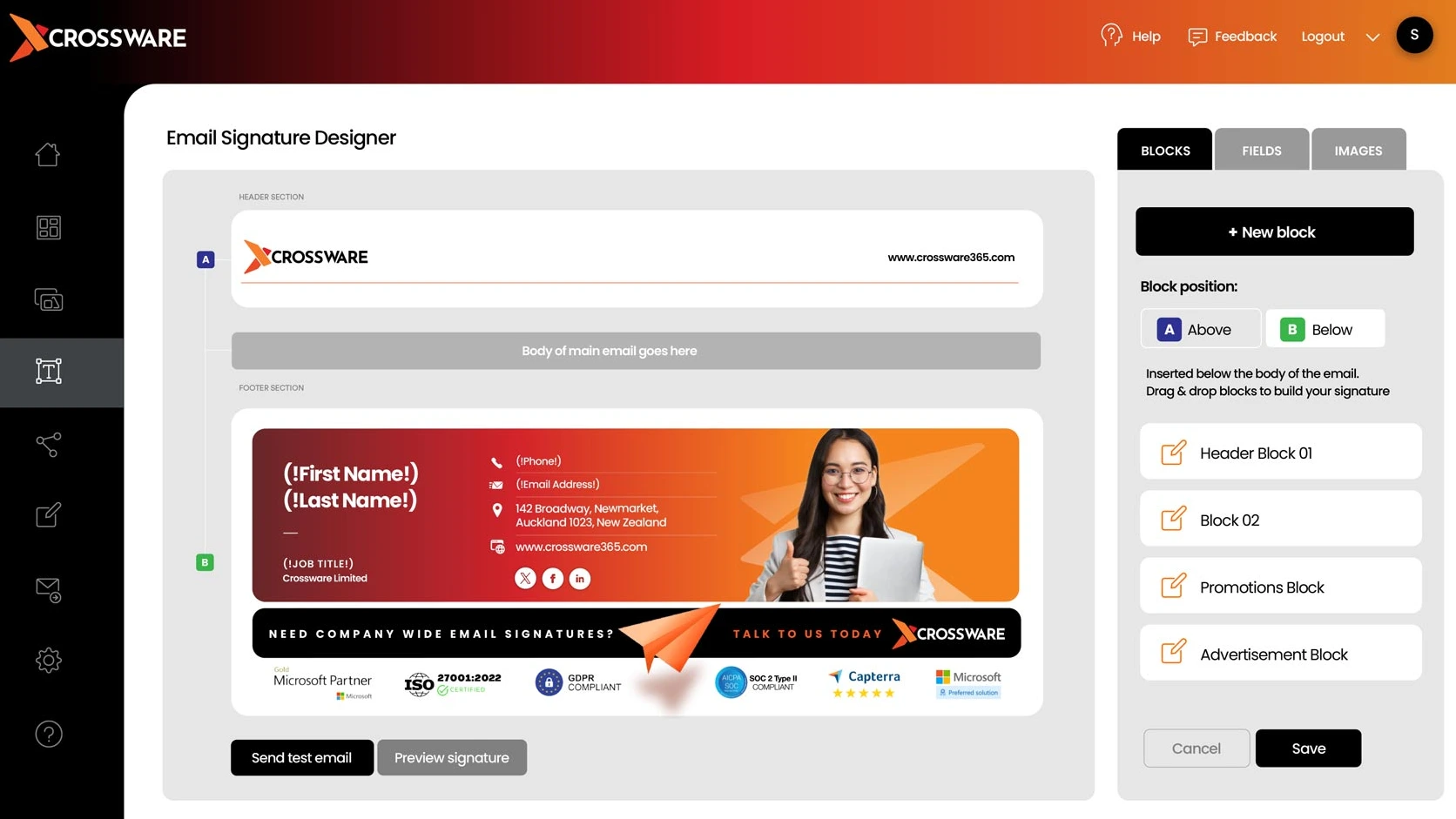
We help create and manage standardised email signature templates that align with your brand, including logos, colours, fonts, contact details, social links, legal information and promotional banners.
This removes the need for staff to manually copy, paste or update their own signatures, reducing inconsistencies and layout problems across the organisation.
No more signature chaos, rogue fonts or mysterious job title promotions hiding at the bottom of an email.
Updating Staff Details Automatically
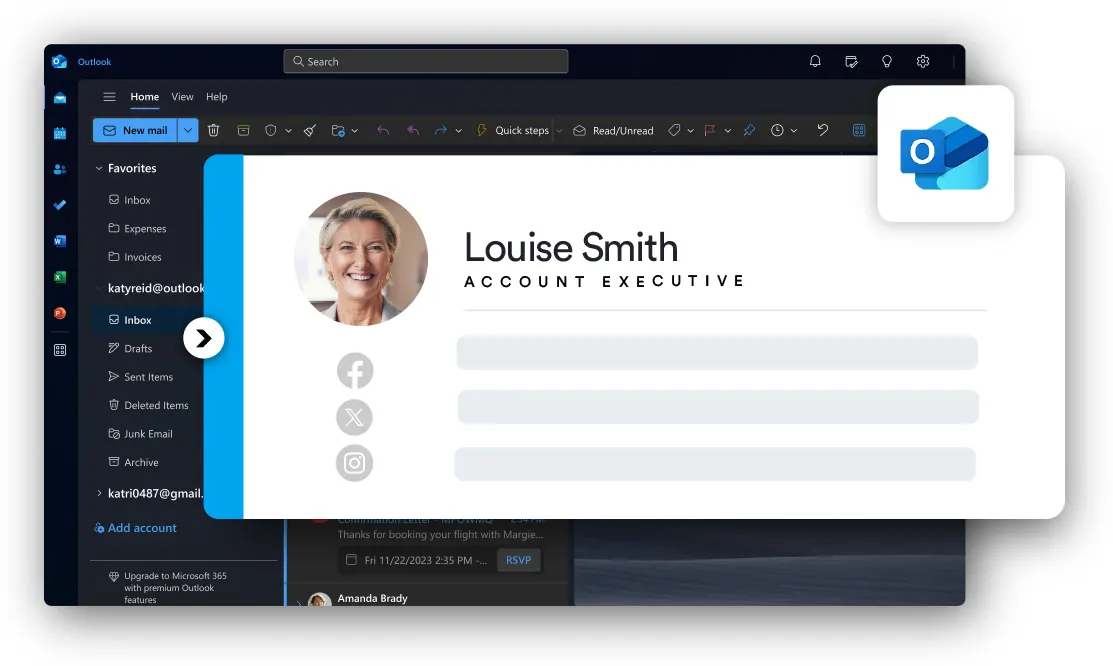
Email signatures often contain important staff details such as names, job titles, departments, phone numbers and office locations.
With centralised signature management, these details can be pulled from Microsoft 365 user information, helping ensure signatures remain accurate and easier to maintain.
When a staff member changes role, moves location or updates contact details, the signature can be updated centrally instead of relying on every user to make changes themselves.
This helps reduce outdated information, inconsistent formatting and the quiet little admin gremlins that appear when signatures are managed manually.
Using Signatures For Campaigns & Announcements
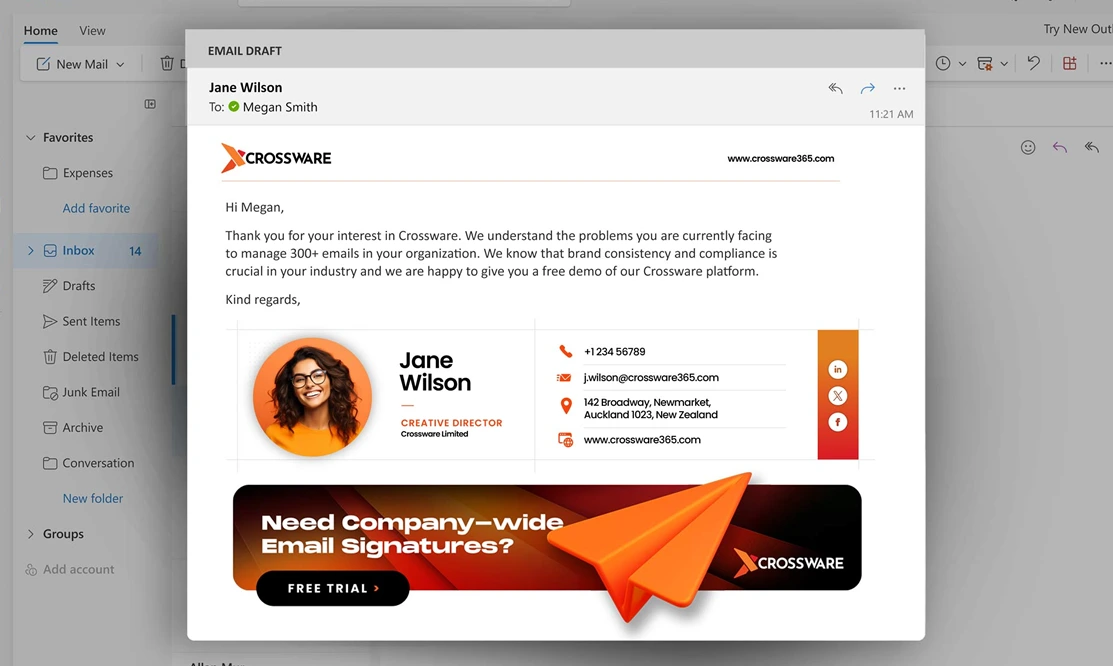
Email signatures can do more than display contact details. They can also support marketing campaigns, event promotion, seasonal messages and important business announcements.
We can help configure signature banners and campaign content that appears automatically across selected users, teams or departments.
This gives your organisation a simple way to promote services, events, awards, notices or calls to action across everyday email communication.
Instead of asking every staff member to update their signature manually, campaigns can be managed centrally and changed when needed.
Managing Signatures Across Every Device
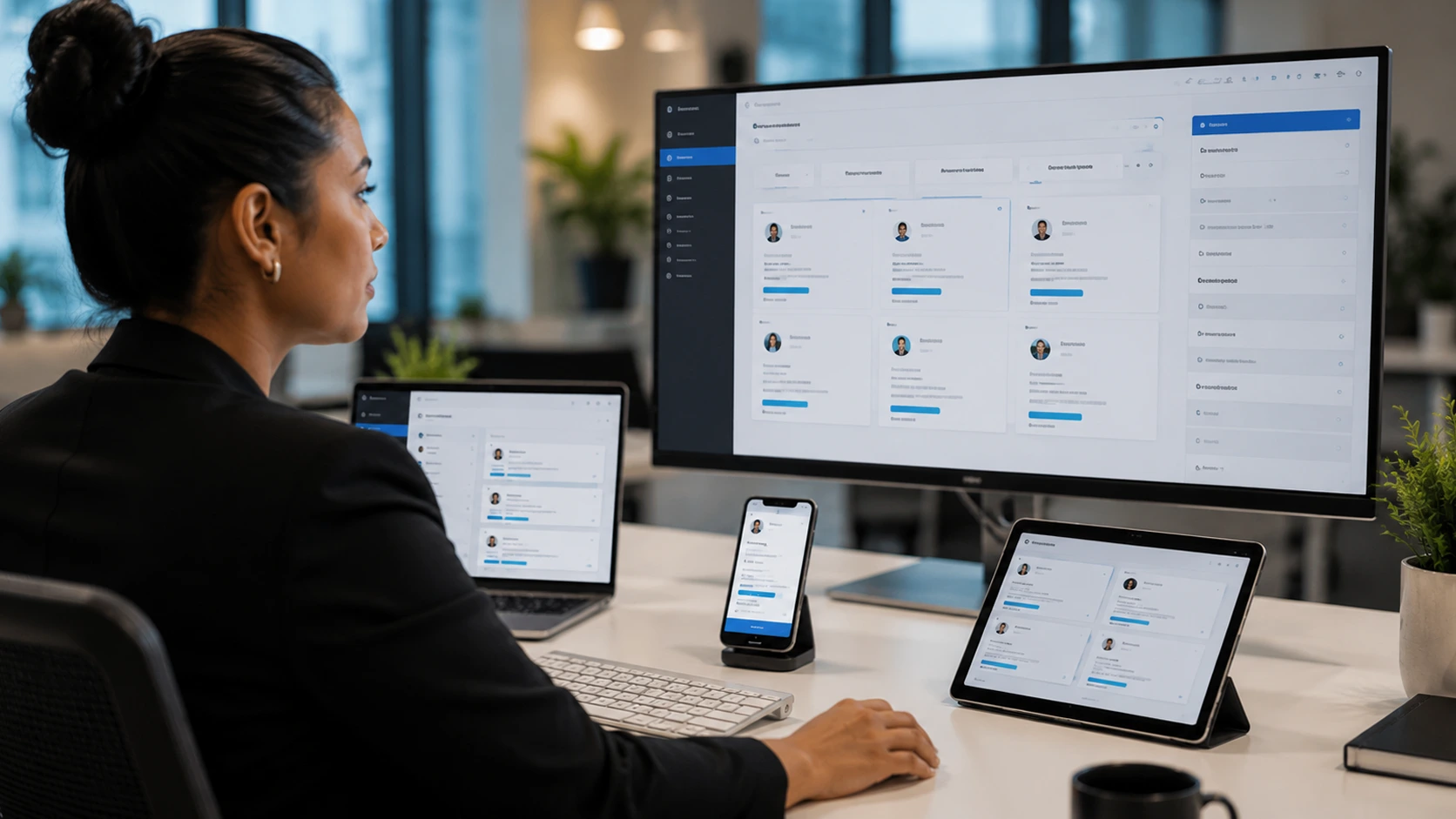
Staff send email from many places: Outlook desktop, Outlook on the web, mobile phones, tablets and shared devices.
Centralised email signature management helps ensure signatures are applied consistently, regardless of where the email is sent from.
It also gives your business more control over legal disclaimers, formatting, branding, staff information and who receives which signature template.
For growing organisations, this helps protect brand consistency and reduces the risk of staff accidentally, or creatively, rewriting how your business presents itself.
What We Can Help With
Our email signature management services help businesses keep Microsoft 365 email signatures consistent, accurate and centrally controlled.
Email Signature Design
- Branded signature templates
- Logo and colour alignment
- Social media links
- Professional layout guidance
Crossware 365 Setup
- Microsoft 365 integration
- Centralised configuration
- User detail mapping
- Signature rule setup
Automated Staff Details
- Name and title fields
- Department and location details
- Phone number management
- Microsoft 365 profile data
Marketing Banners
- Campaign banners
- Event promotion
- Service announcements
- Team or department targeting
Disclaimers & Legal Text
- Legal disclaimer management
- Industry-specific notices
- External email signatures
- Consistent footer content
Ongoing Management
- Signature updates
- Template changes
- User and group adjustments
- Support and troubleshooting