Meeting Room Solutions
Modern meetings no longer happen in a single room. Staff work remotely, clients join from different locations and teams collaborate across offices, cities and time zones.
Unfortunately, many meeting rooms are still plagued by poor audio, unreliable video conferencing, tangled cables and technology that nobody knows how to use.
At Native Digital, we design and implement meeting room solutions that make collaboration simple. From small huddle spaces through to boardrooms and training facilities, we create environments that help people connect, communicate and collaborate without fighting the technology.
Whether you're deploying Microsoft Teams Rooms, upgrading displays, improving audio quality or creating a fully integrated meeting experience, we'll help you build a room that works every time.
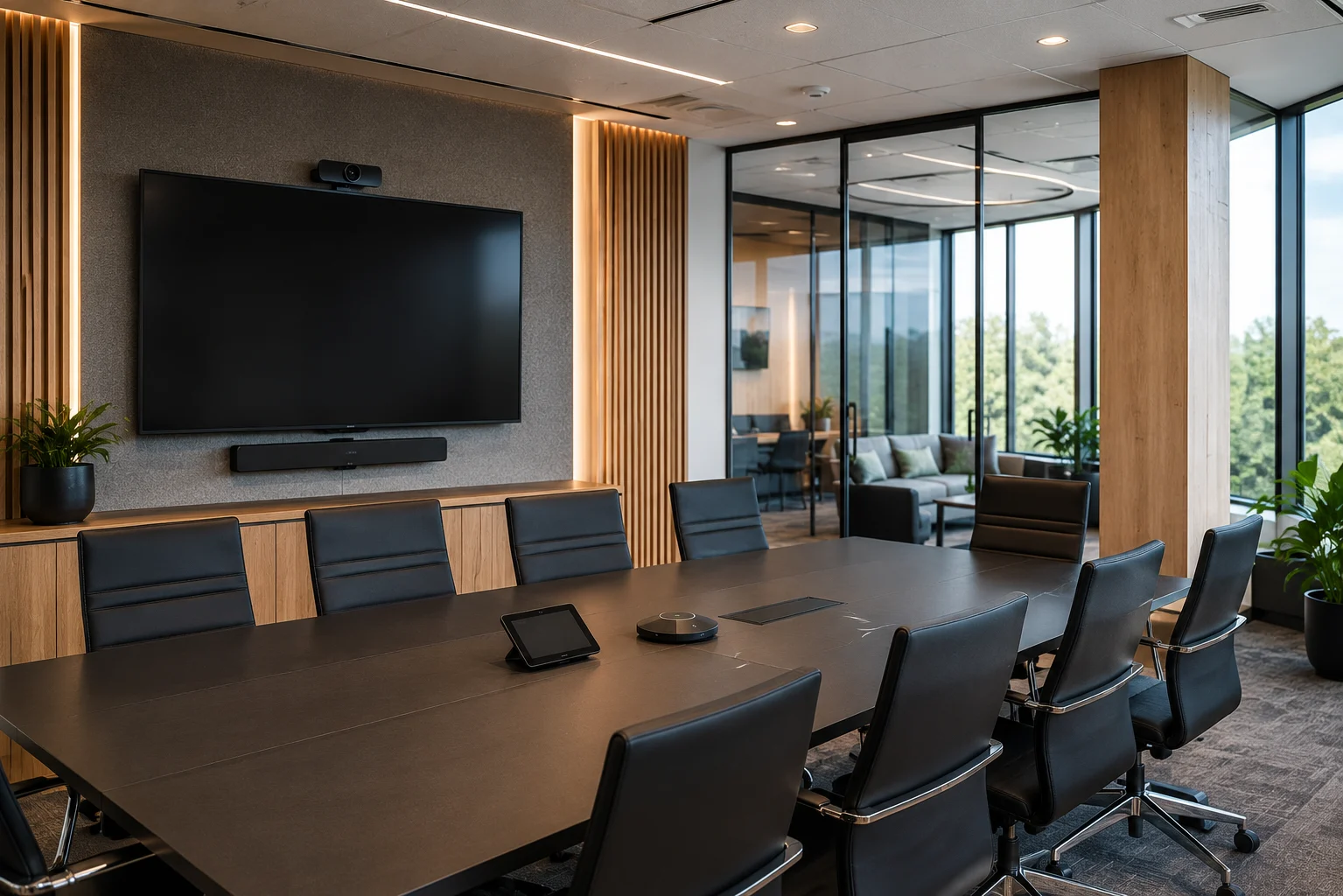
Building Spaces Around The Way You Meet
Meeting rooms should support the way your team works, not force people to adapt to the technology.
Every organisation uses meeting spaces differently. Some require boardrooms for client presentations and executive meetings, while others need collaborative spaces for workshops, training sessions or hybrid team meetings.
We begin by understanding how your rooms are used, the number of participants involved and the technology requirements for both in-person and remote attendees. From there, we design a solution that balances functionality, simplicity and budget.
By taking a strategic approach from the beginning, we help avoid the common frustrations caused by poorly planned meeting room technology.
Microsoft Teams Rooms & Video Conferencing
Microsoft Teams has become a critical communication platform for many organisations, but delivering a great meeting experience requires more than simply placing a webcam on a table.
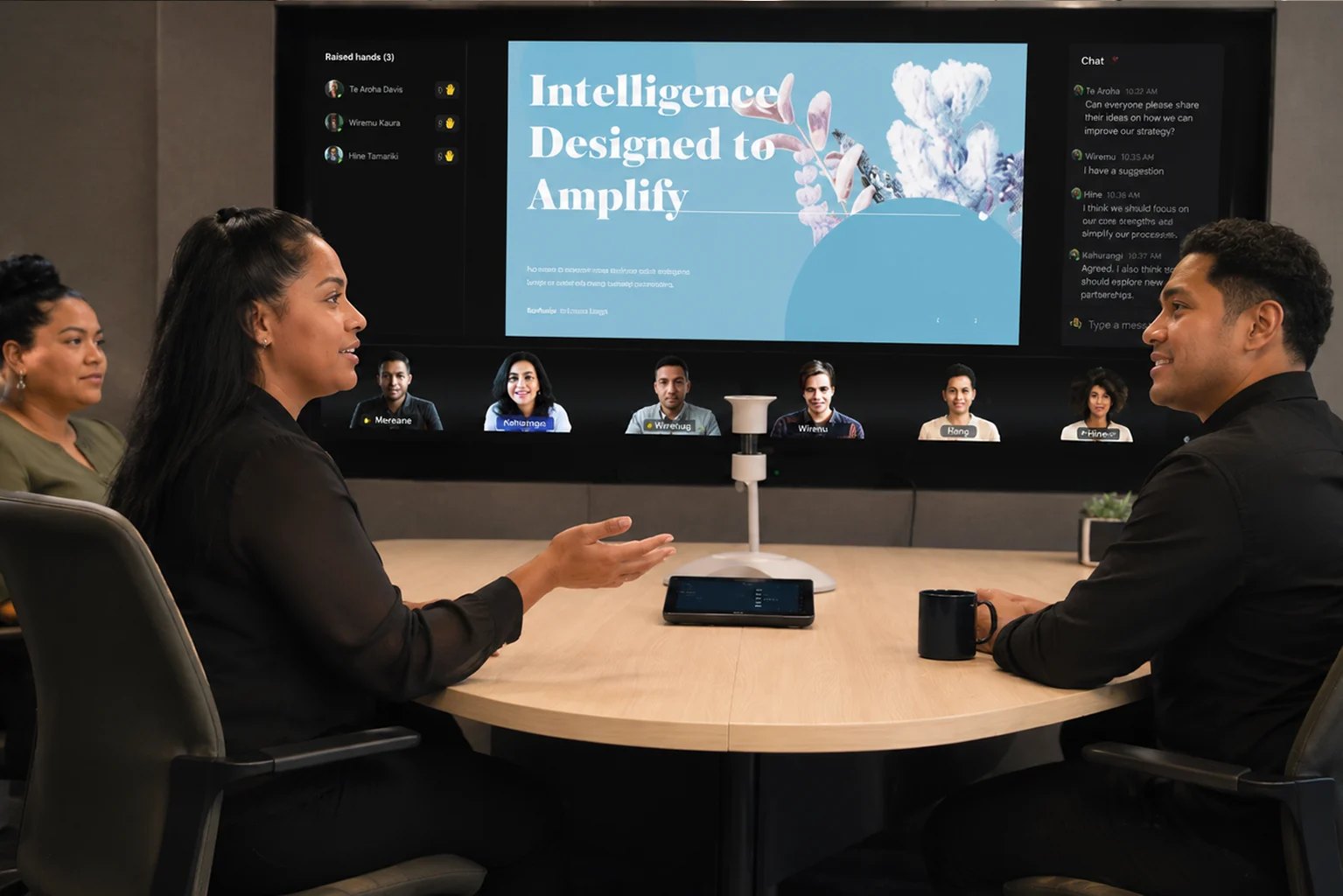
We help businesses implement Microsoft Teams Rooms that provide a seamless experience for both local and remote participants. With integrated cameras, microphones, speakers and touch controls, Teams Rooms make joining and managing meetings simple and consistent.
The result is a professional meeting experience that reduces technical issues, improves collaboration and ensures every participant can be seen and heard clearly regardless of where they're joining from.
Whether you need a small huddle room, a boardroom solution or a multi-room rollout, we help select and configure the right technology for your environment.
Audio Visual & Room Technology
The right technology can transform a meeting room from a source of frustration into a productive collaboration space.
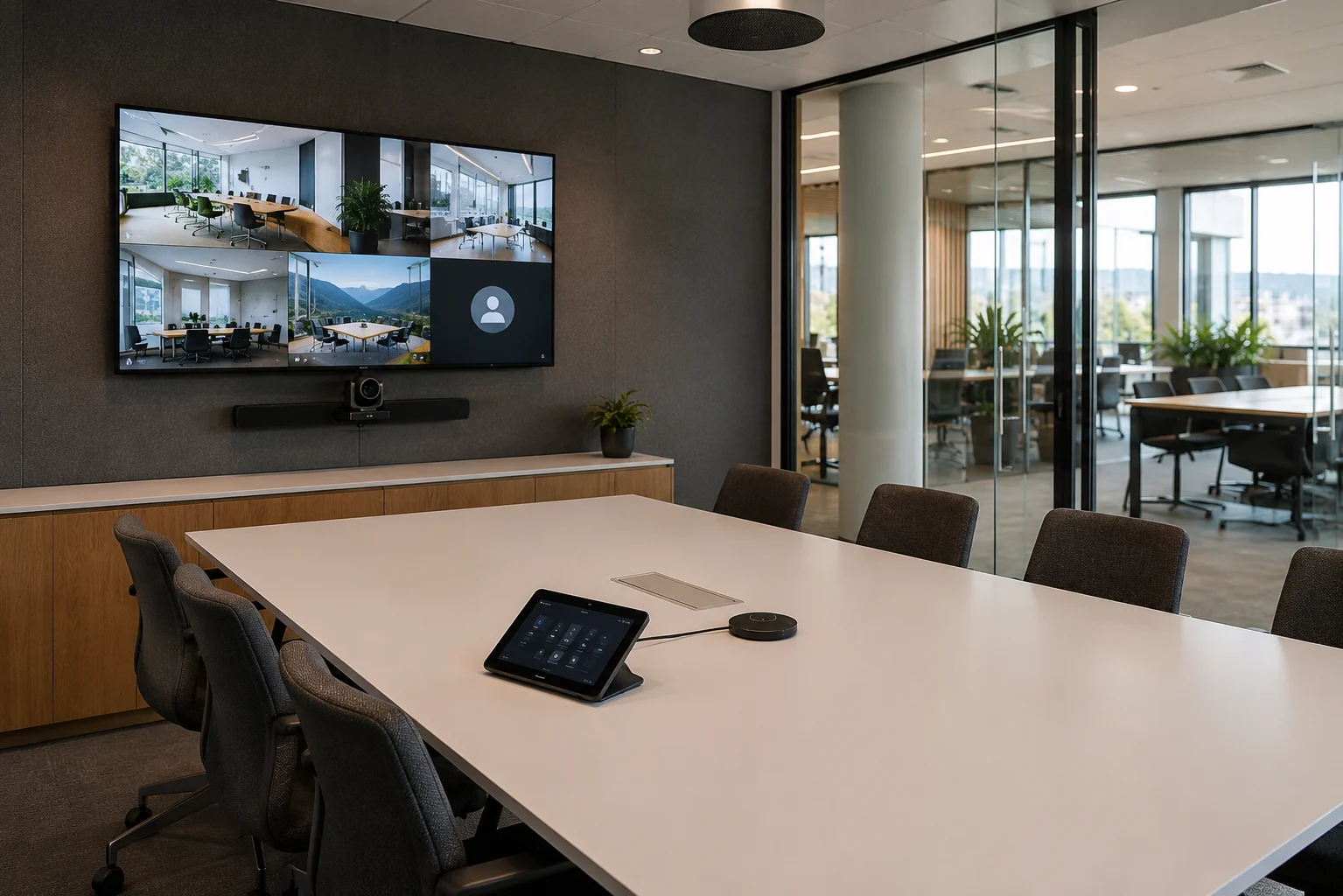
We supply and install meeting room technologies such as displays, cameras, microphones, speakers, wireless presentation tools, touch panels and room control systems.
Every component needs to work together. Poor audio, badly positioned cameras or confusing controls can quickly ruin the meeting experience, even when the individual devices are high quality.
Native Digital helps design complete room solutions that are easy to use, reliable and suited to the size and purpose of each space.
Room Booking & Ongoing Support
A meeting room is only valuable when people can actually use it.
We help organisations implement room booking systems that integrate with Microsoft 365 and Outlook, allowing staff to easily find, reserve and manage meeting spaces.
Once your meeting room technology is in place, we can also provide ongoing support, user guidance, troubleshooting and technology management to keep your rooms performing properly.
From firmware updates to staff training and support requests, we help ensure your meeting spaces remain productive long after installation day.
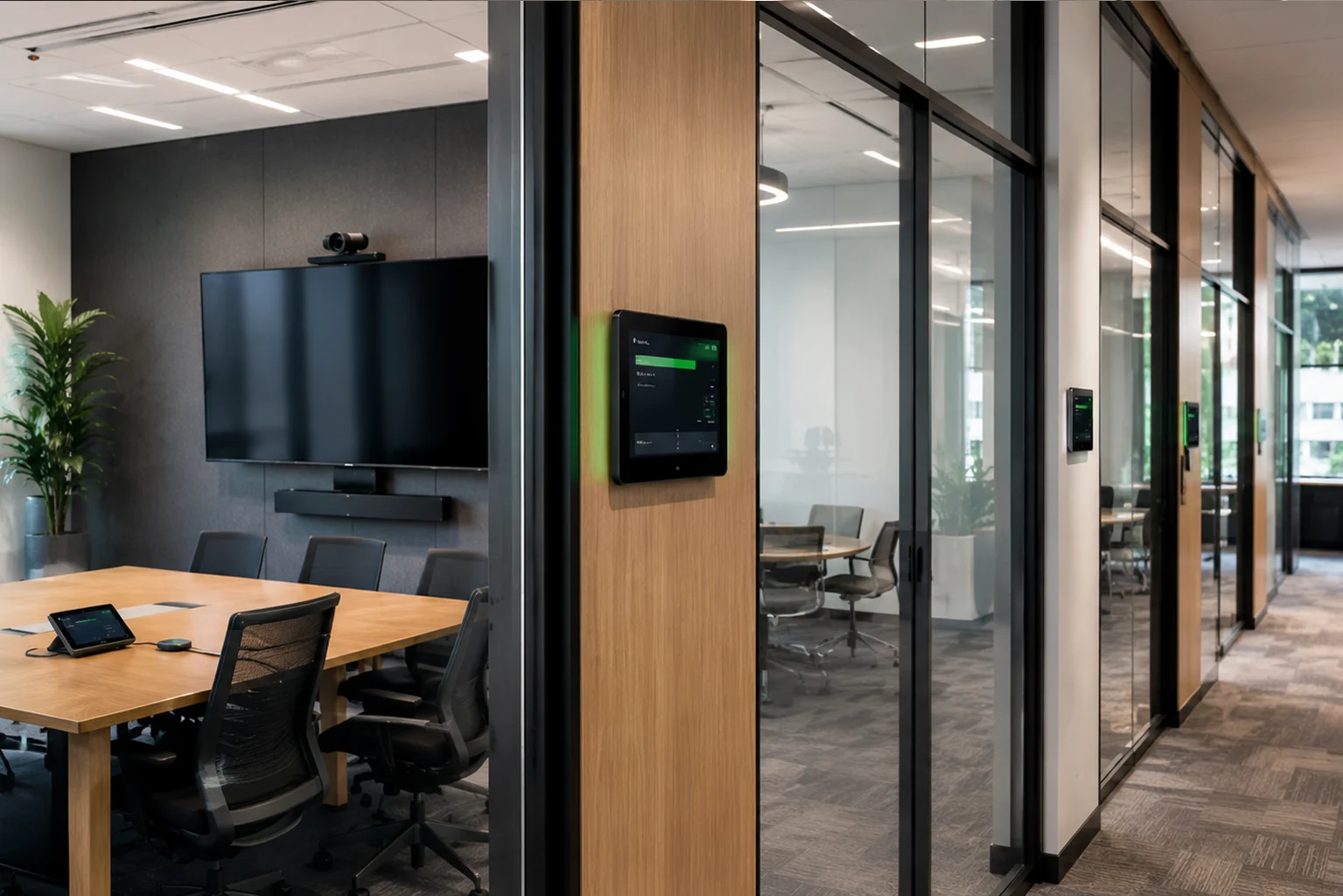
What We Can Help With
Our meeting room solutions combine Microsoft 365, audio visual technology, networking and ongoing support to create reliable spaces for modern collaboration.
Microsoft Teams Room Solutions
- Teams Rooms planning and setup
- Certified meeting room hardware
- Touch panels and room controls
- Calendar and room integration
Video Conferencing Systems
- Room cameras and framing
- Hybrid meeting solutions
- Boardroom video systems
- Huddle room conferencing
Displays & Presentation Tools
- Large format displays
- Interactive screens
- Wireless presentation systems
- Digital whiteboard options
Meeting Room Audio
- Table and ceiling microphones
- Speaker systems
- Noise reduction planning
- Audio coverage design
Room Booking Systems
- Microsoft 365 room calendars
- Outlook booking integration
- Room display panels
- Booking process guidance
Setup, Training & Support
- Installation coordination
- User training and guidance
- Troubleshooting support
- Ongoing technology management